Moon phase & sky · for iPhone
Tonight’s Moon,
as it really is
Moonglance shows you the Moon as it is right now, in your own sky: its phase, how high it is, which way to look, and when it rises and sets.
For iPhone · No account, no ads
The Moon right now, worked out in your browser for your time zone.
Where to look
Every phase,
in its own sky
The Moon sits at its real height, in a sky that changes colour with the time of day.
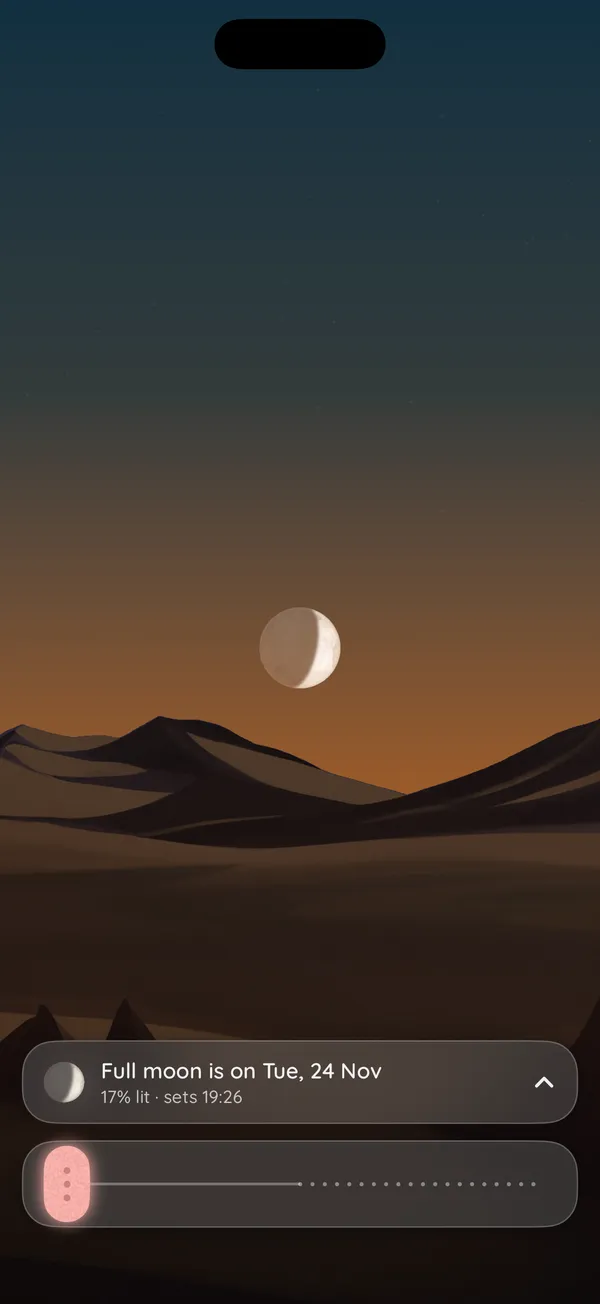
Hold up your phone and look around: the Moon slides in from the side it’s really on, so you know which way to face. When it’s in the middle of the screen, you’re looking right at it.
The time slider
Slide ahead,
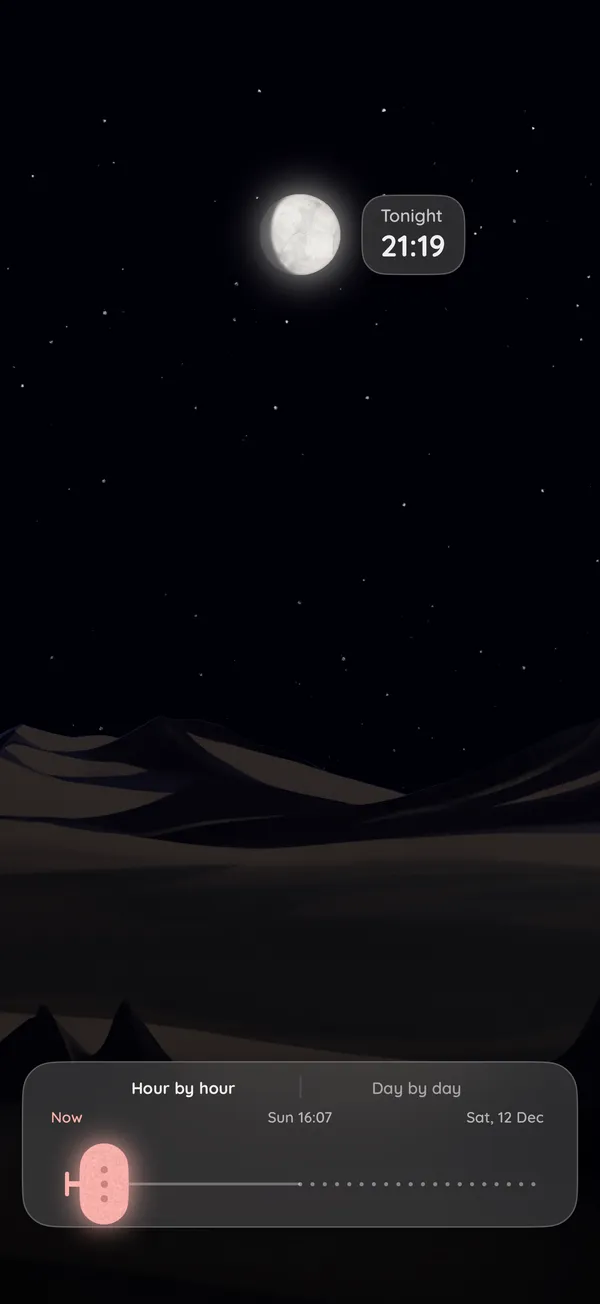
hour by hour
Drag the slider at the bottom to see where the Moon will be over the coming hours, or day by day. It moves across the sky as you go, and its phase changes with it.
By day
Day or night,
see where it is
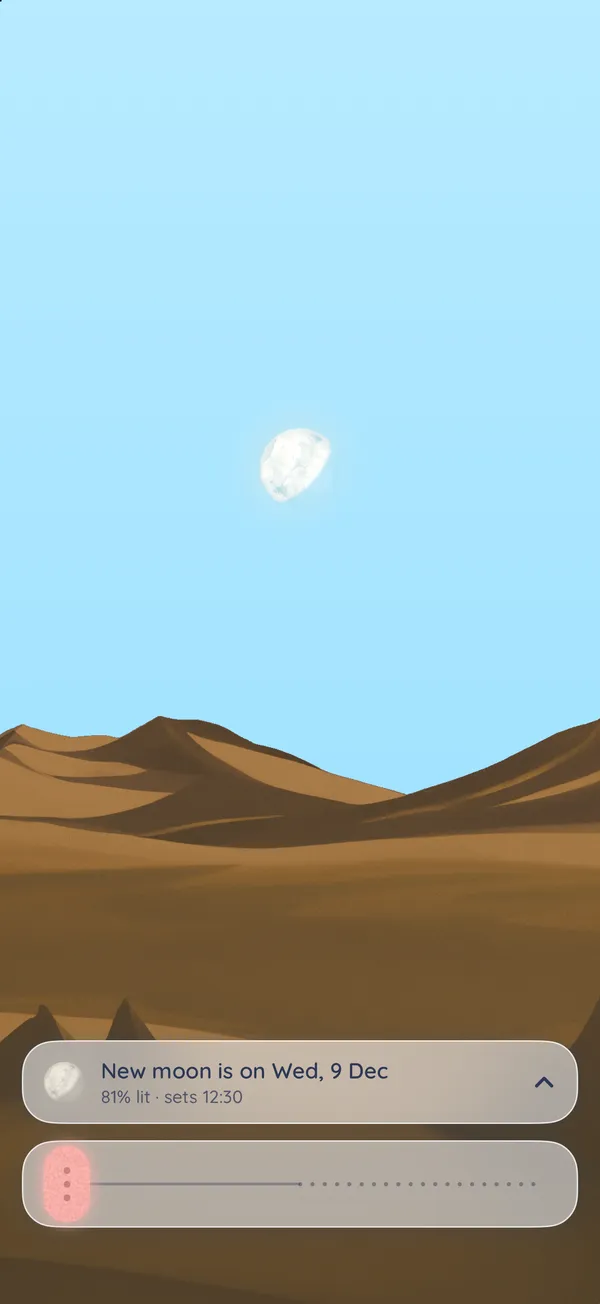
The Moon is often up in daylight. Moonglance shows it there too, pale against a blue sky, so you can find it by day as well as by night.
The details
Everything,
at a glance
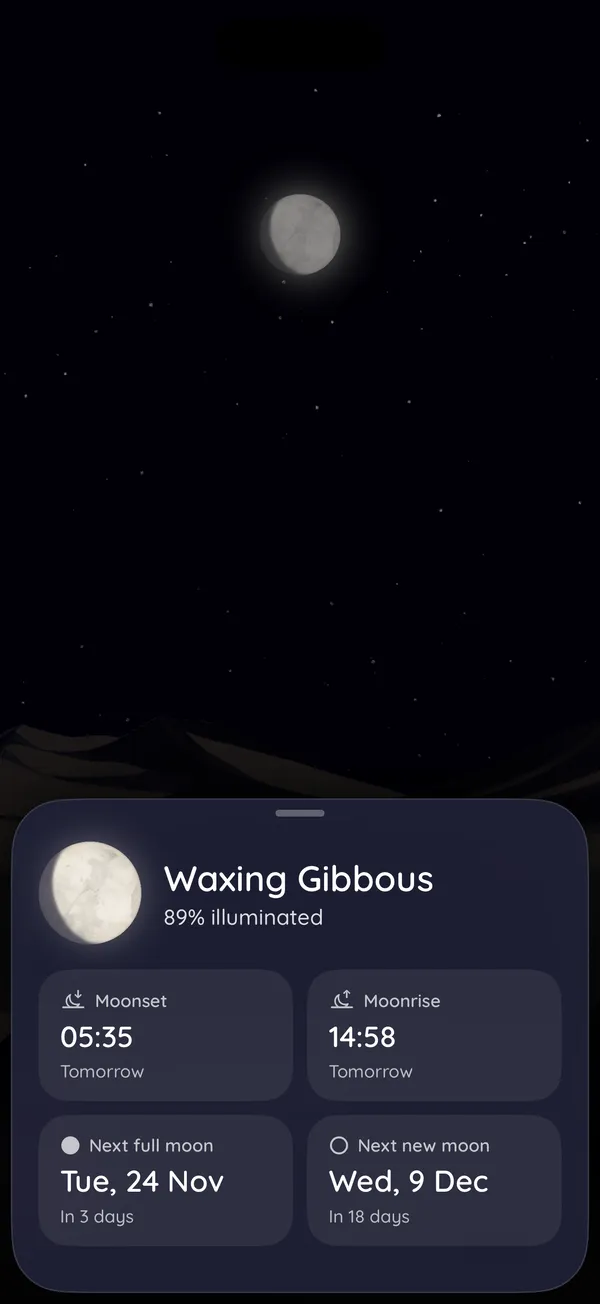
Tap the bar above the slider for the rest:
- the phase, and how much of the Moon is lit
- when it rises and sets
- the next full moon and new moon, and how many days away they are
Widgets
On your Lock Screen,
and your Home Screen
Widgets show how much of the Moon is lit and when the next full or new moon is. How to add one.

Privacy
Your location
stays on your phone
No account
Nothing to sign up for and nothing to log in to.
No ads
And no tracking across apps.
Worked out on your iPhone
Where the Moon is in your sky is worked out on the phone. Your location is never sent anywhere.
The app sends a few anonymous usage statistics, such as that it was opened, and never your location. Read the privacy policy.
Questions
Straight answers
What is the Moon’s phase tonight?
The top of this page shows the Moon as it is right now, worked out in your browser for your time zone. In Moonglance you see it in your own sky, with how much of it is lit, and the widgets keep it on your Lock Screen.
When is the next full moon?
The top of this page names the next full or new moon, in your time zone. In Moonglance, tap the bar above the slider: it gives the dates of the next full moon and the next new moon, and how many days away they are.
How do I find the Moon in the sky?
Open Moonglance and hold your phone up. Turn until the Moon slides into the middle of the screen: that is the way to face, and its height on the screen is how high it stands. The bar above the slider says when it next rises or sets.
Does Moonglance need my location?
Only to place the Moon in your sky: how high it is, which way to face, and when it rises and sets. It asks for your approximate location, works everything out on your iPhone and never sends it anywhere. Without it, Moonglance still shows the phase and the next full and new moon.
Is there a widget?
Yes, for the Lock Screen and the Home Screen. They show how much of the Moon is lit and when the next full or new moon is. Support has the steps to add one.
Is Moonglance free?
Yes. There is no account to make and there are no ads.
Which iPhones does it run on?
Any iPhone with iOS 16 or later.
Is there an Android version?
Not yet.
Look up tonight
The Moon is out there somewhere. Moonglance shows you where.